Instant on
Opens straight into the torch. From a cold start to a lit LED in well under a second — even on older phones.
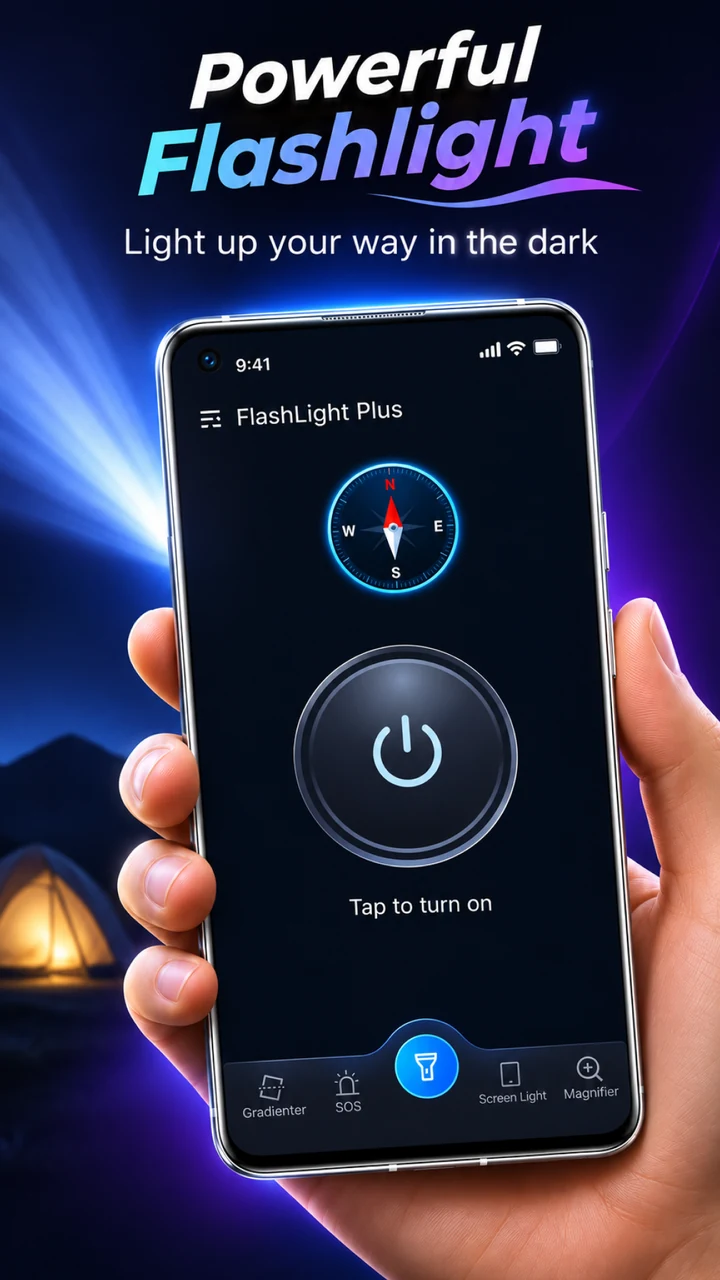
FlashLight Plus turns your Android phone into a proper torch. One tap for full power, smooth brightness control, a strobe you can tune, and an SOS signal for the moments that actually matter.
No menus to dig through, no clutter in the way of the on button. Just a torch that opens fast and lights up brighter than the one that came with your phone.
Opens straight into the torch. From a cold start to a lit LED in well under a second — even on older phones.
Squeeze every lumen out of your LED, then dial it down from 100% to a soft 1% when you don’t want to blind anyone.
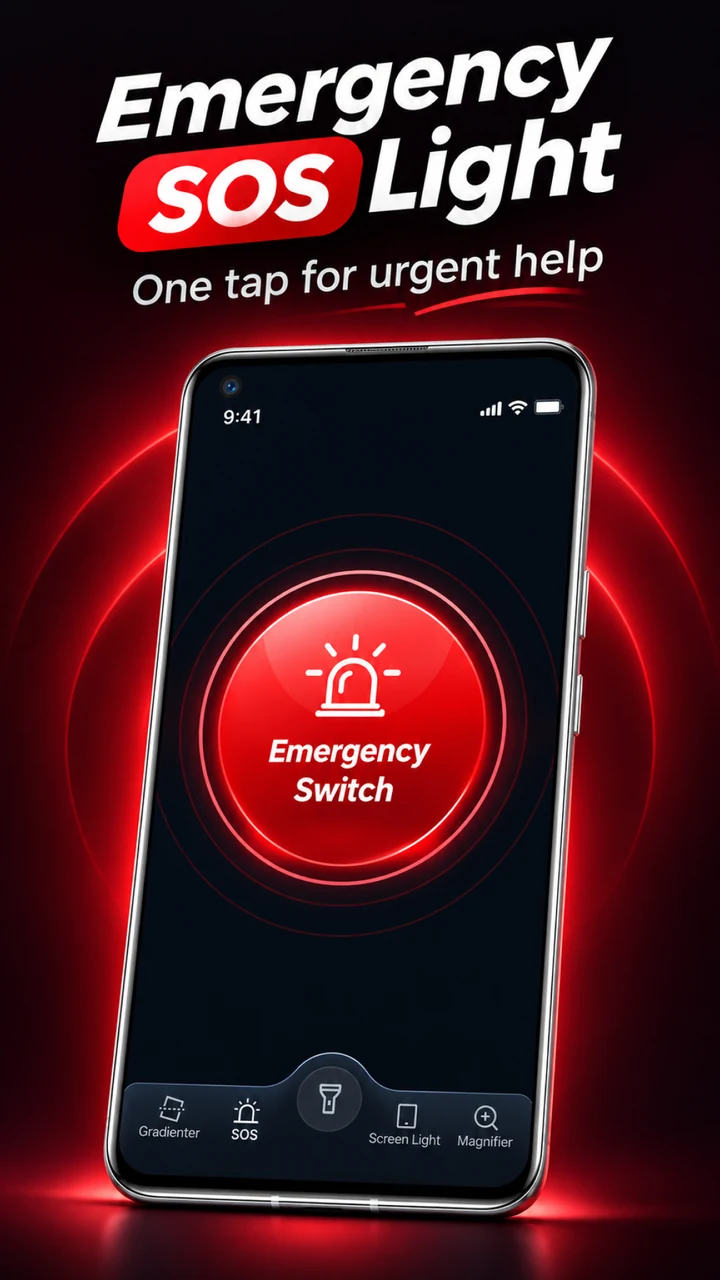
A true SOS pattern for emergencies, and a strobe whose frequency you can set yourself — slow visibility beacon or fast warning flash.
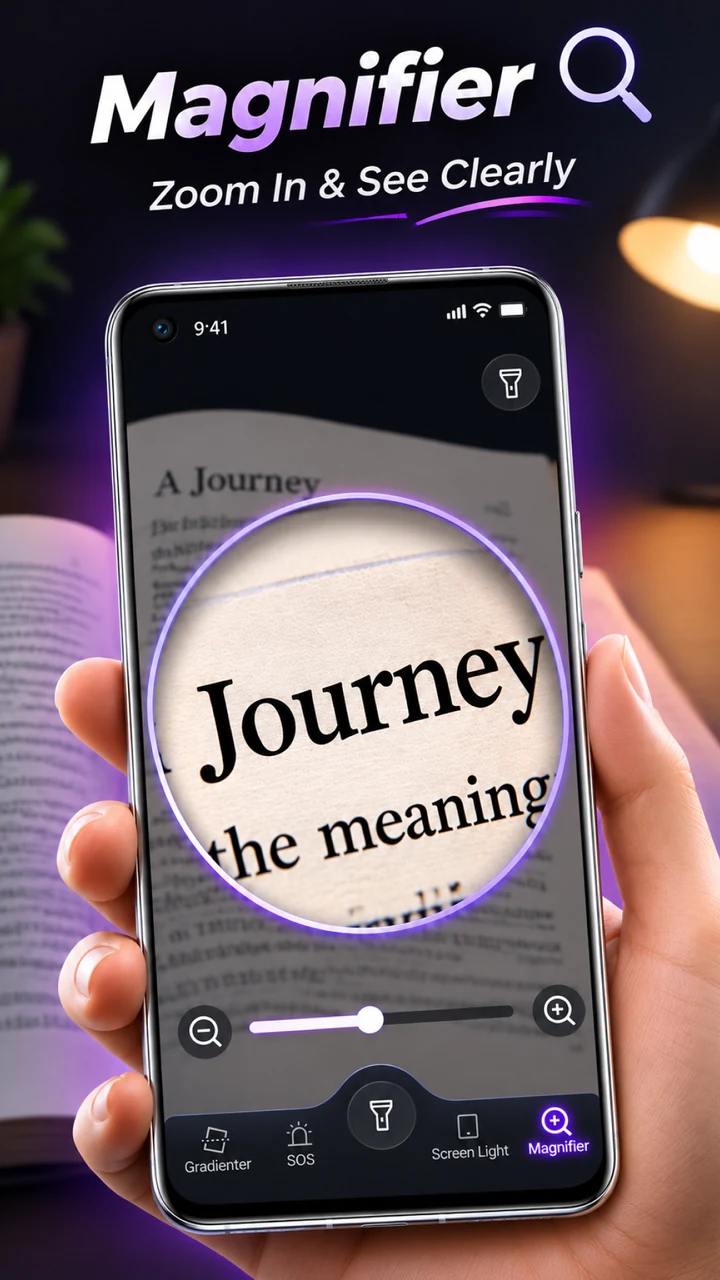
Turn the display itself into a soft, dimmable fill light — perfect for reading a map or finding your keys without waking the whole room.
Battery-friendly duty cycles, a screen-wake option you can switch off, and a low-power fallback when your battery gets critical.
Offline by design. Basements, planes, mountains, dead zones — the light never asks for a connection.
Torch, screen light, SOS and settings — four swipes at the bottom, nothing buried.
Most flashlight apps weigh more than the photos on your phone and want an account before they’ll show you a beam of light. This one doesn’t.
Yes. The core flashlight — torch, brightness, strobe and SOS — is free to use with no subscription and no account.
On Android the LED flash is exposed through the camera API, so turning the torch on requires camera permission. FlashLight Plus never opens the camera preview and never takes photos or records video — the camera is used for one thing only: switching the LED on and off.
Yes. FlashLight Plus is free and supported by ads served through Google AdMob. Loading those ads needs an internet connection and may use your device’s advertising ID; the flashlight itself keeps working whether or not ads can load. Full details are in our Privacy Policy.
An LED at full power draws real current — that’s physics, not the app. FlashLight Plus minimises overhead, ships with battery-friendly strobe duty cycles, and lets you turn off the keep-screen-on option.
The flashlight itself needs no connection at all, so it works in airplane mode, in a basement, or halfway up a mountain. Only the ads need internet — if you’re offline, the light still turns on normally.
Any Android phone with a rear LED flash. Devices without a rear flash can still use Screen Light mode.
Email us at lawrencebrannen16560@gmail.com with your device model and Android version — we read every message.
Download FlashLight Plus for free and keep a reliable torch in your pocket for the rest of your life.
Free to download · Android · No account required
Questions, bug reports, press or partnership requests — you’ll reach a human.
Shanghai Jilinggui Network Technology Co., Ltd.
Room 1126, Zone B, 1st Floor,
No. 65 Haifeng Road, Jinshan District,
Shanghai 201500, China